How to see an app's In-App Purchases on the App Store
Published December 23, 2025
C
Written by
Carter
23 Dec 2025·2 min read
TL;DR: Press Ctrl+K, search for the app, scroll down to the IAPs table, and click "Expand".
The App Store doesn't make it easy to see a complete list of an app's in-app purchases. Here's how to find them.
Method 1: AppDelta
- Go to AppDelta
- Search for the app, or go directly to
https://appdelta.io/app/APP_ID - Scroll down to the In-App Purchases section
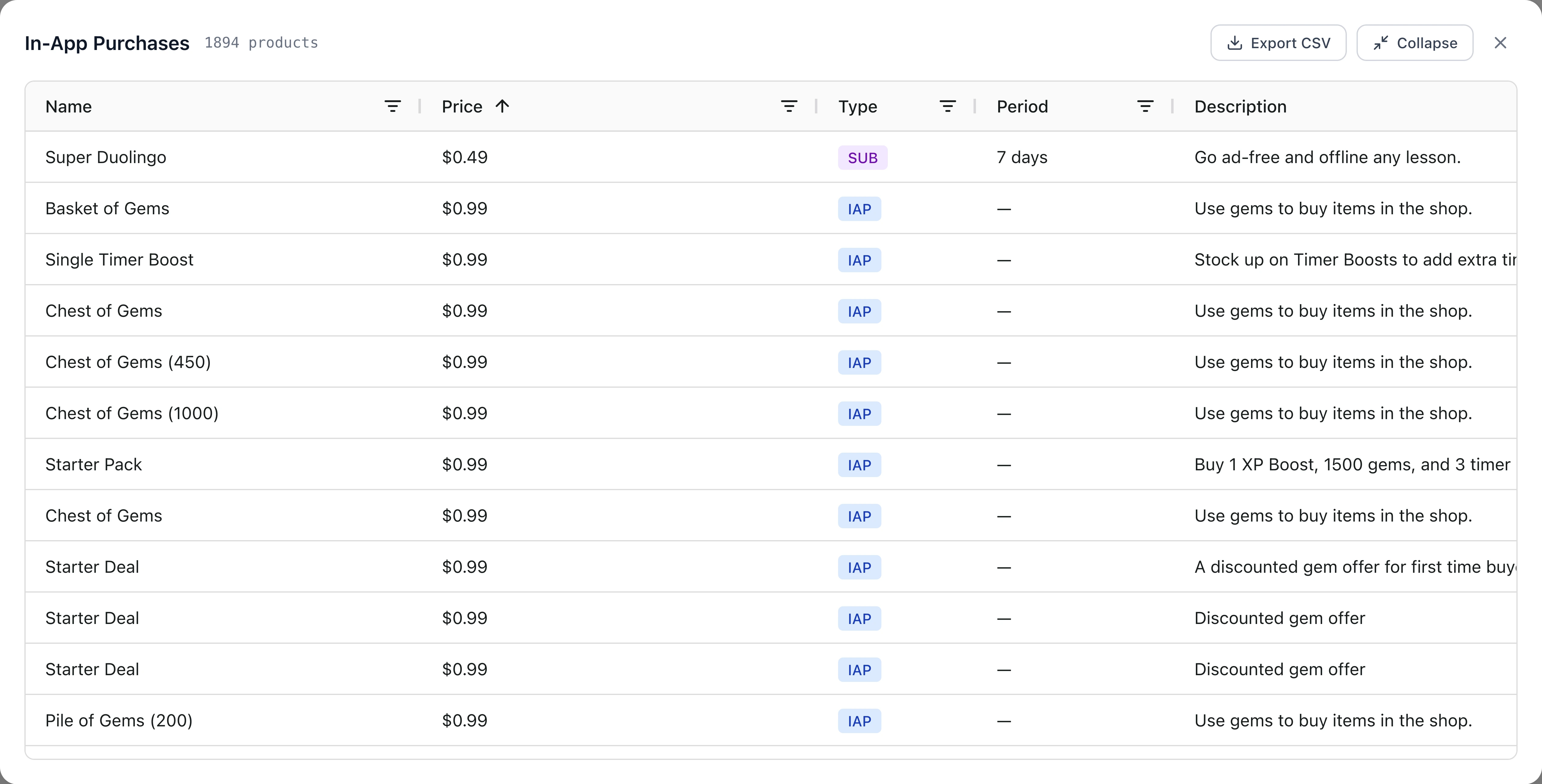
- Click "Expand" to see the full list
You'll see every IAP the app offers, including product names, prices, intro periods, artwork - everything.
Method 2: App Store (Limited)
- Go to the app's App Store page
- Scroll to the In-App Purchases section
This only shows a handful of IAPs and often hides the full list. Fine for a quick glance, not useful for research.
Conclusion
That's it. AppDelta's free tier lets you view and export the IAPs (including subscriptions) for any app on the App Store in the US and DE storefronts.